Site inspections.
Clear job lists.
Simple reporting.
Capture punch list items and defects, assign the work and track progress. SiteWarden keeps the photos, details and reports together, on site and in the office.
Built for Australian construction teams.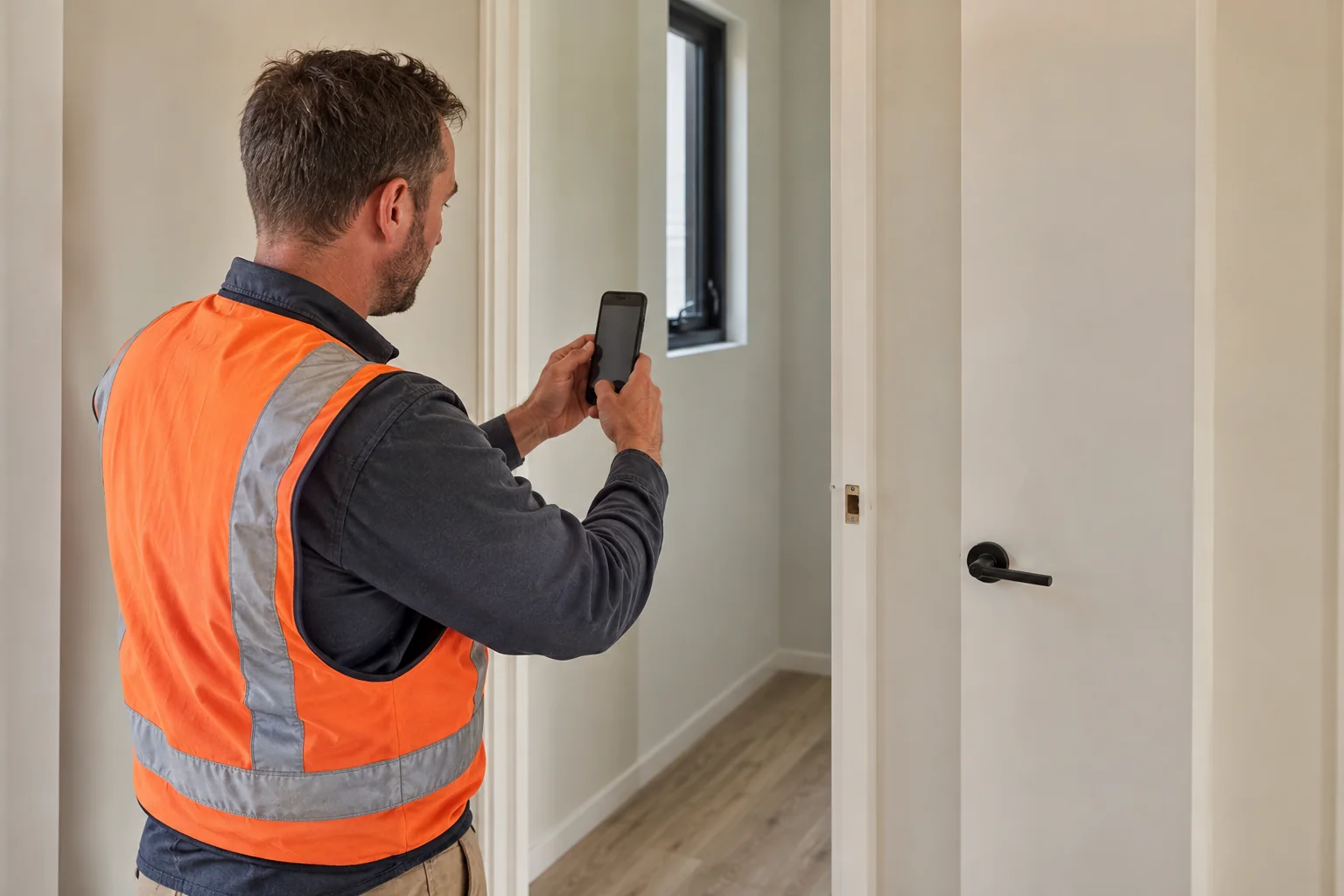
What can you do
with SiteWarden?
Start with the part of the job you need help with. Each feature works from the same project records.
Inspections
Record photos, voice notes and video during a site walk. Keep each finding with its location and trade.
Explore inspectionsPunch & job lists
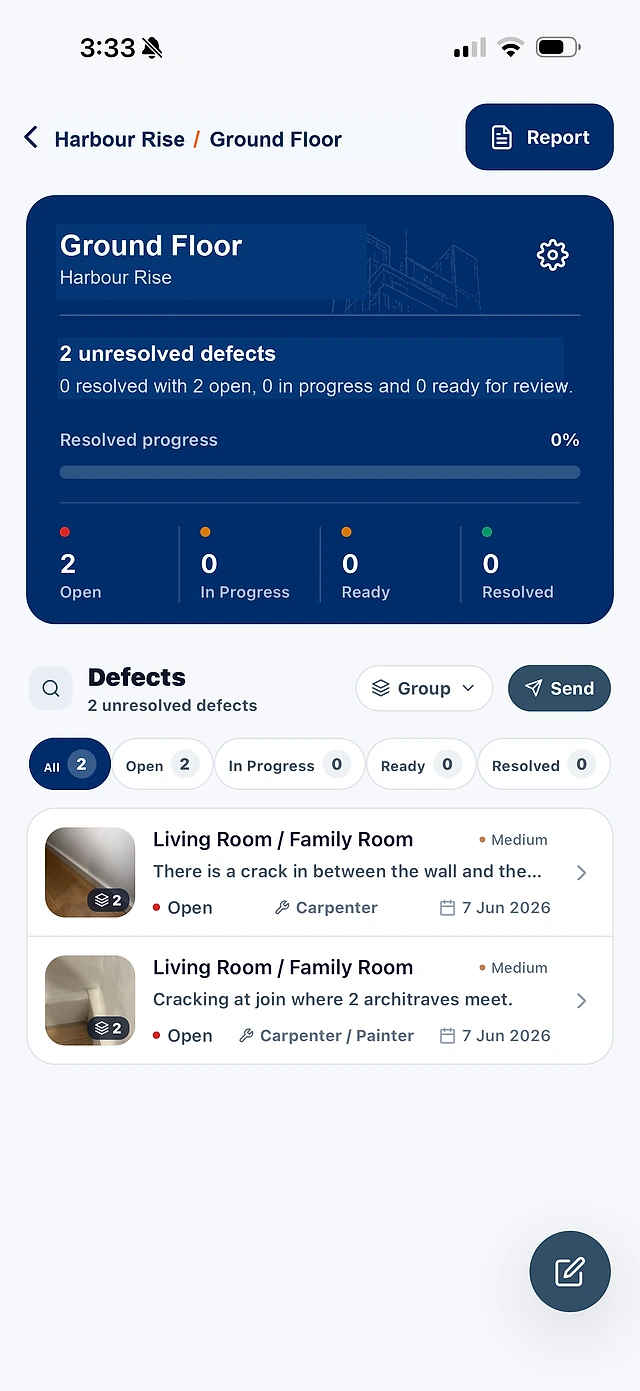
Keep unfinished work and defects in project lists, with a responsible trade, priority and status on each item.
Explore punch & job listsDefect management
Show what needs fixing and who owns it. Keep the evidence with the item as your team reviews the work.
Explore defect managementReporting
Choose the items to include and share a report with photos, locations, statuses and links to the evidence.
Explore reportingNew to SiteWarden? See how the mobile app and desktop workspace fit together.
Product overview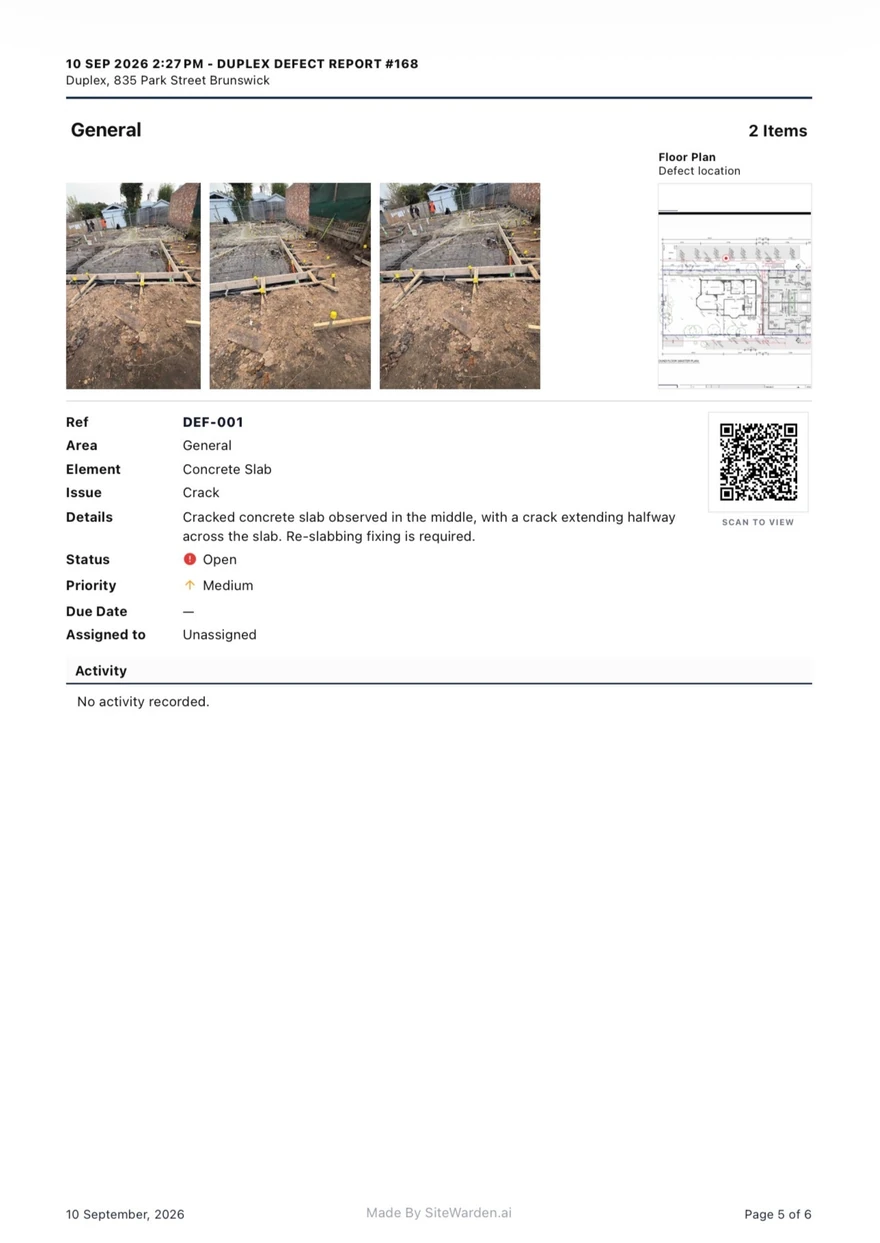
From the site list
to a report you can share.
Choose the items, keep their photos and details attached, and generate a PDF for your team, trades or client.
View the sample reportCan I use SiteWarden for punch lists and defects?
Yes. Use project lists to record work that needs finishing or fixing, with photos, locations, trades, priorities and statuses. The current app labels these records as defects; the same record can describe unfinished work or an issue that needs repair.
What can I do on site and in the office?
Use the mobile app to capture photos, voice notes and video, review the details and work with your project lists. Professional and Business include the desktop workspace and your internal team, so the office can coordinate the same records.
Can I capture items without a connection?
The mobile app supports offline capture. Record the work while you are on site and sync when a connection is available. Online features and the desktop workspace need a connection.
What can I share in a report?
Choose the records to include and generate a PDF with photos, locations, trades, priorities, statuses and notes. Report QR links let recipients view the shared details, photos and videos without a SiteWarden account. The sample report shows the current output.
How do contractors take part?
Your team assigns responsibility and controls review and approval. Contractor replies through WhatsApp are forthcoming and are not included in the current trial. In that planned workflow, contractors will send photos, voice notes and progress updates without a SiteWarden account; the builder will still approve the work.
Can we try it on our own project?
Yes. Bring a punch list, a defect list or an upcoming site walk to your demo. Starter is free for one person, one active project and up to 50 records, labelled defects in the app. Professional and Business offer a 14-day free trial with your internal team included. We help arrange access and setup.
Bring your next site list.
We’ll walk through capture, assignment, progress and reporting in the current product.