THE SITEWARDEN PRODUCTFrom the site walk
From the site walk
to work under control.
Punch lists, unfinished details and defects. Capture the work on site, coordinate it with your team and share a clear report.
Built for Australian builders and site teams.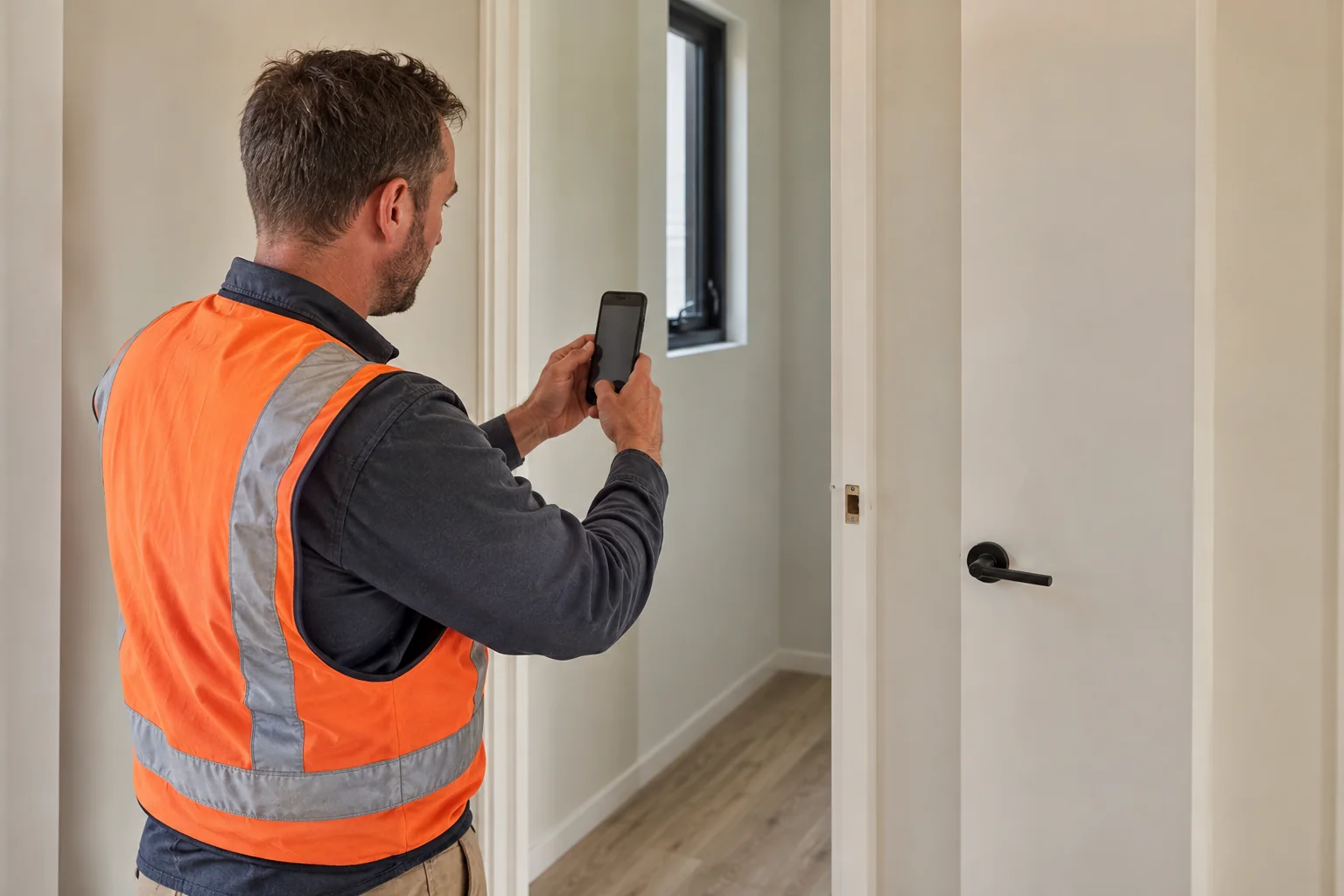
01 / CAPTURE · MOBILE APPSee the issue.
See the issue.
Record it there.
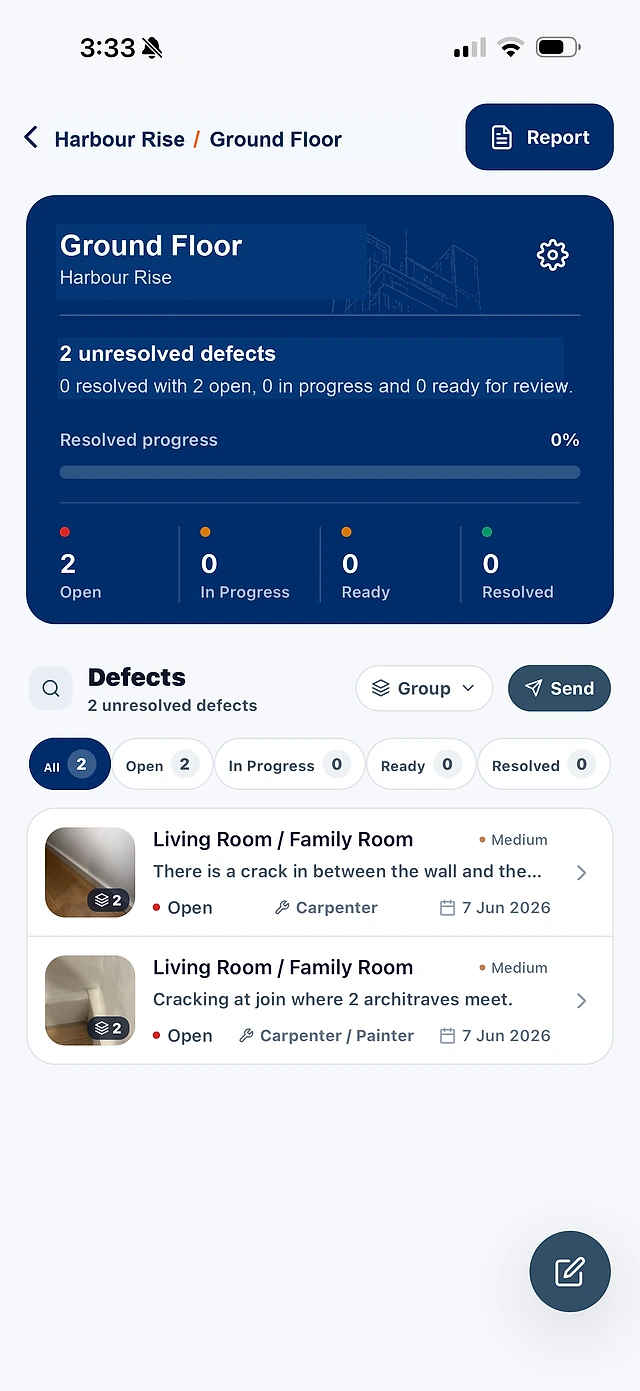
Record what needs finishing or fixing, with the photo and details together while you are on site.
- Use photos and voice to capture the issue.
- Set the location, trade and priority.
- Pin it to a floor plan. Capture offline.
SAY WHAT YOU SEE
“Cracked tile beside the vanity. Master ensuite. Tiler. High priority.”Example voice input
02 / MANAGE · PROFESSIONAL & BUSINESSKnow what’s open.
Know what’s open.
Know who owns it.
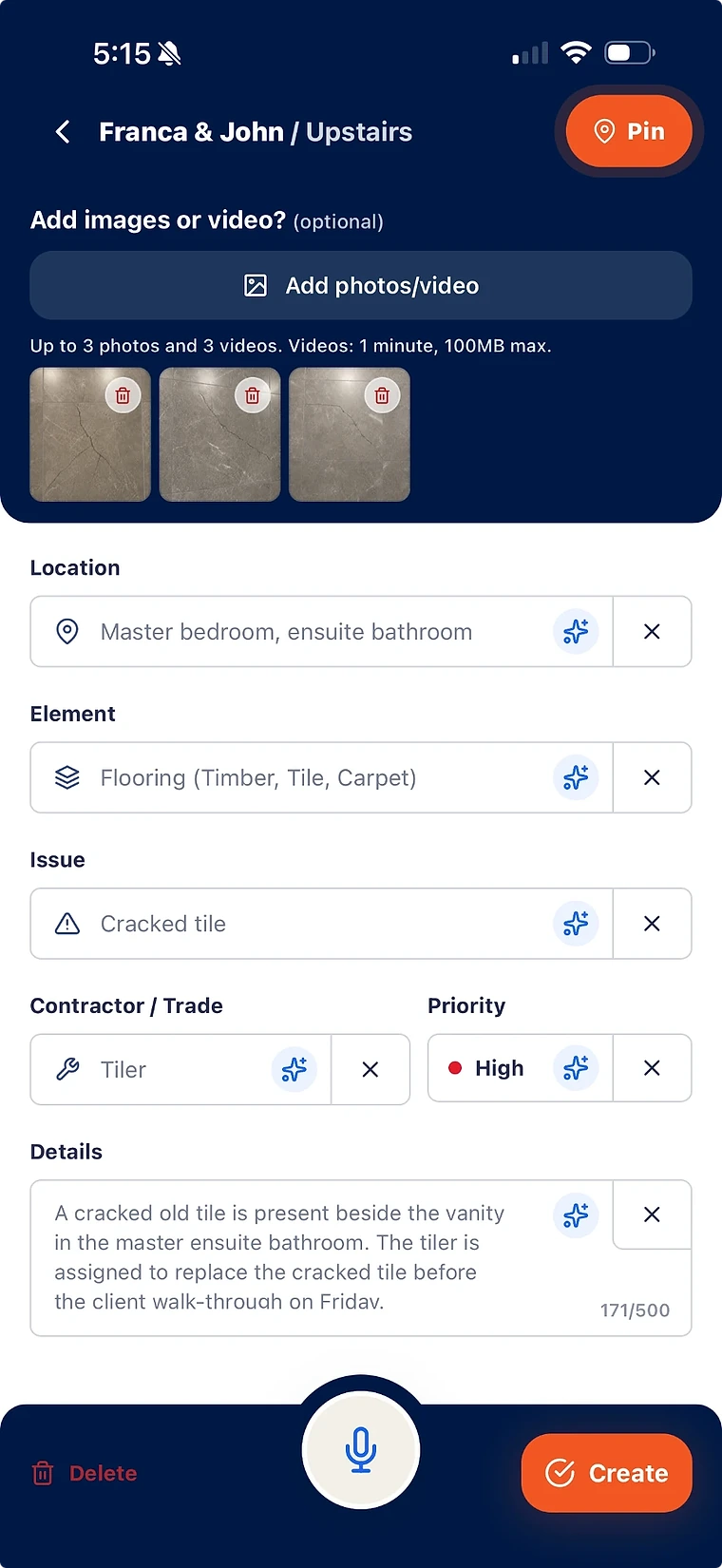
Move from the site walk to a shared desktop view of the work.
- Organise outstanding work and defects by project and list.
- Assign a contractor and track the status.
- Review the evidence before closing an item.
EXAMPLE PROJECT
Smith Street
Ground floor walkthrough
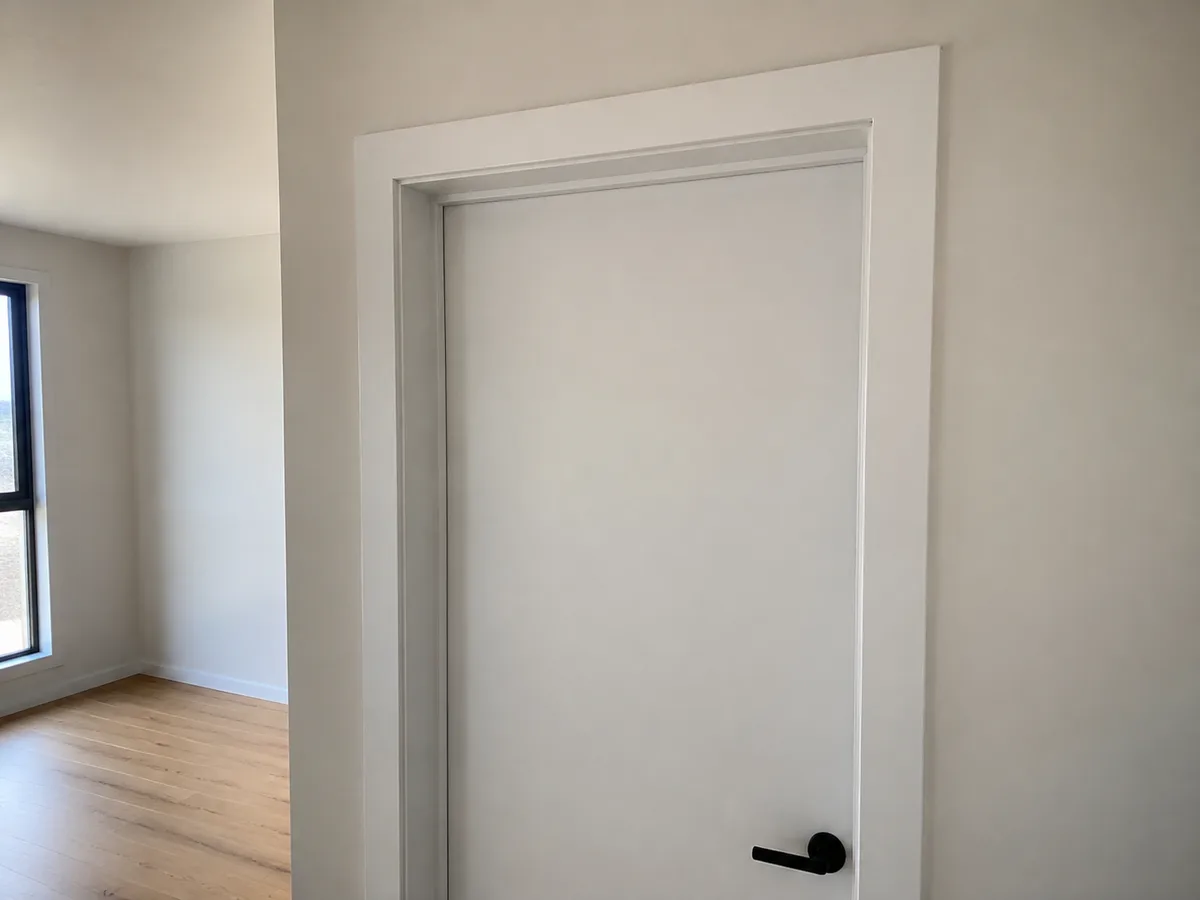 Install the remaining door stopsGround floor · CarpenterOpen
 Replace the cracked ensuite tileMaster ensuite · TilerIn progress
- Finish painting the bedroom frameBedroom 2 · PainterOpen
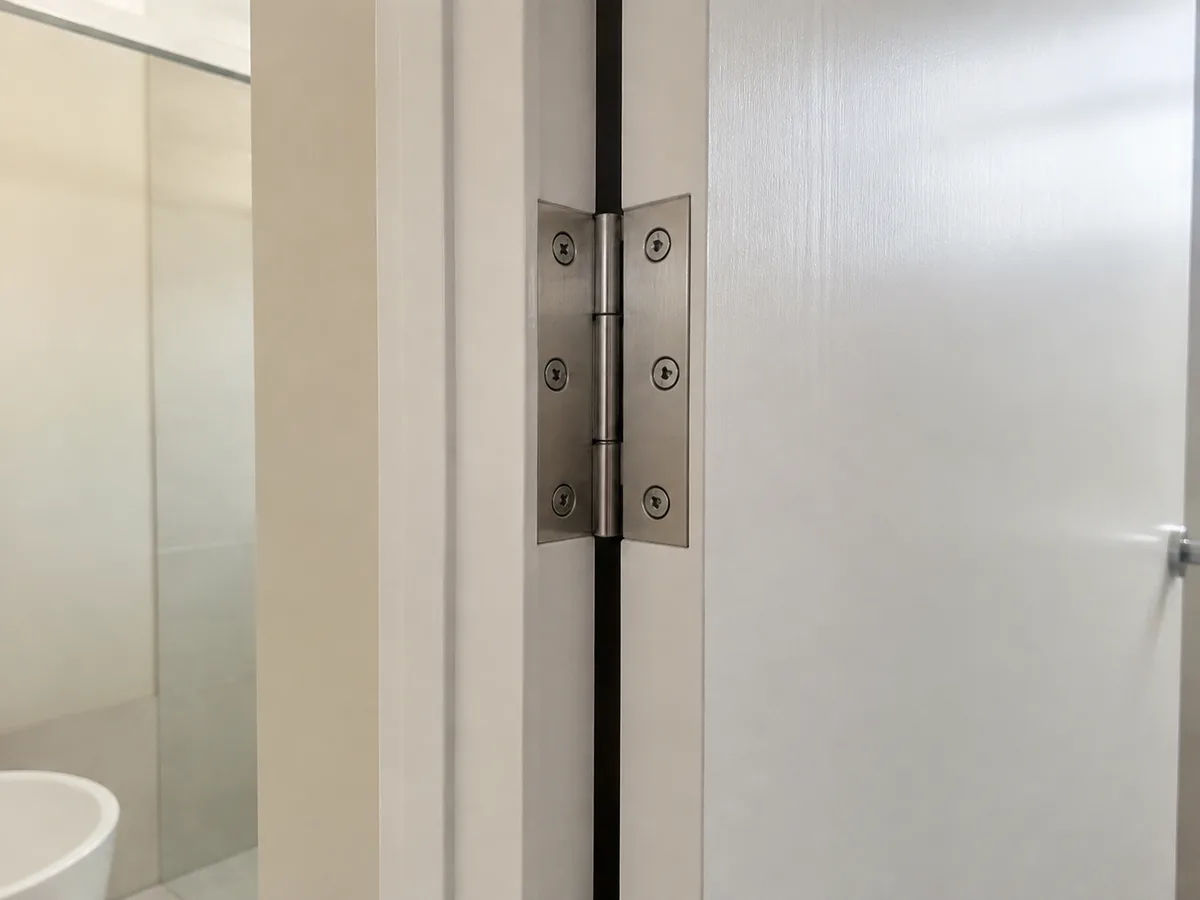 Adjust the bathroom door hingeBathroom · CarpenterResolved
Illustrative list · 4 items shown. Try a status filter.
03 / REPORT · CLIENT-READY PDFSYour site records.
A real SiteWarden reportYour site records.
Your finished report.
Build the PDF from the item records you have already captured.
- Choose which records and statuses to include.
- Keep photos, locations and notes together.
- Export a PDF to share with your client.
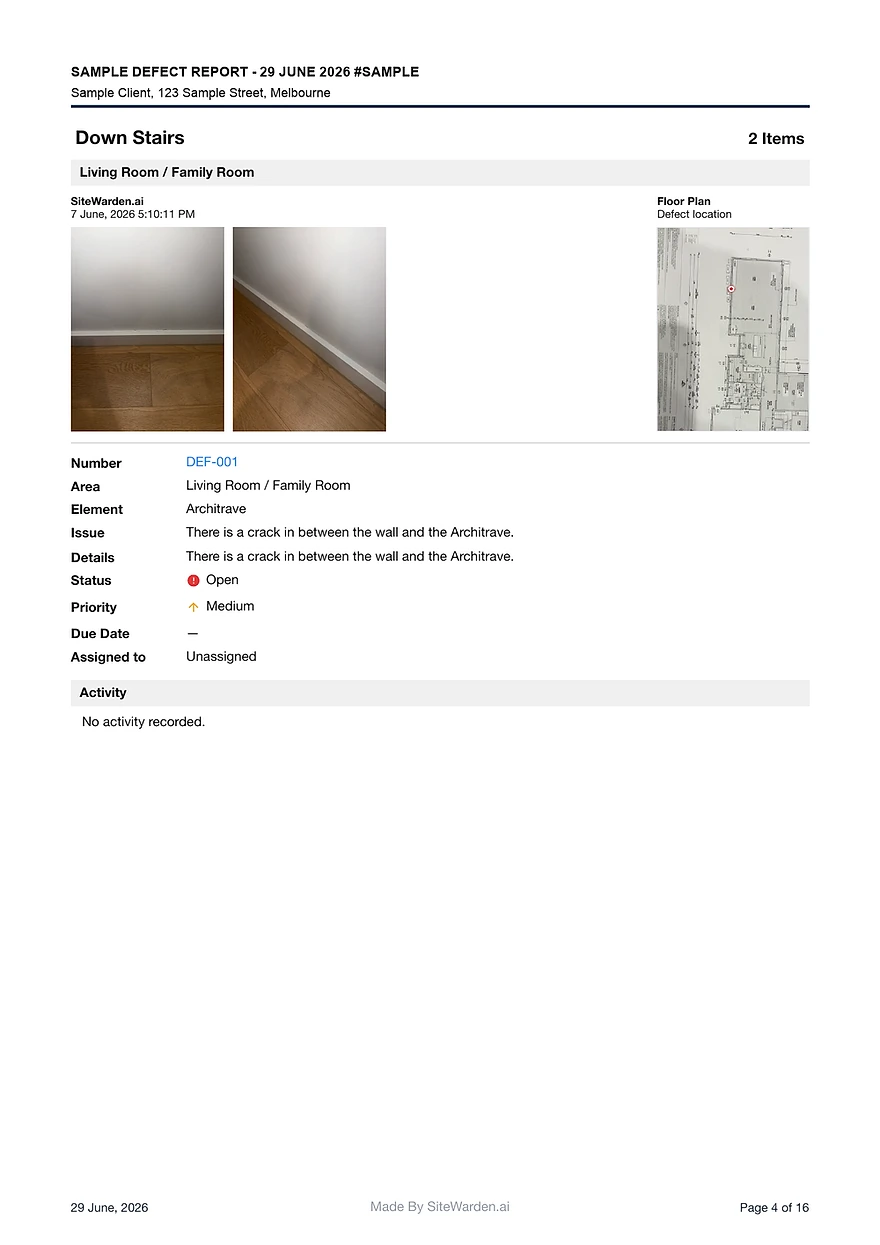 View sample
 COMING NEXT / BUSINESS OPTIONThey send a message.
They send a message.
You get the update.
Contractor updates through WhatsApp, without another app or account for the contractor.
- Photos, voice notes and several work updates in one reply.
- Updates organised by item; unclear details flagged.
- Your team reviews and approves the work.
Try the interactive concept. WhatsApp is forthcoming; this example sends no messages.
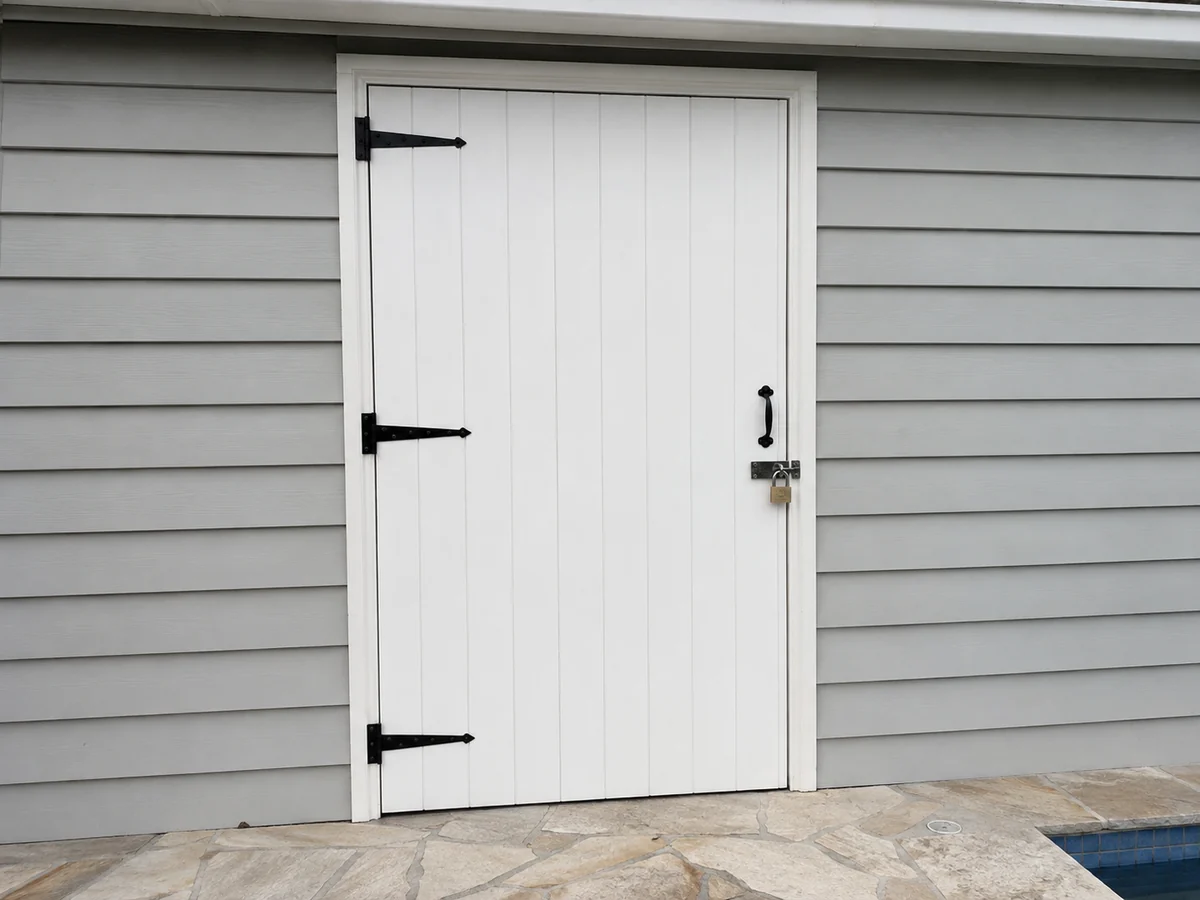
Bring your next punch list. Or defect list.
See the app, desktop workspace and reports in a demo with us.