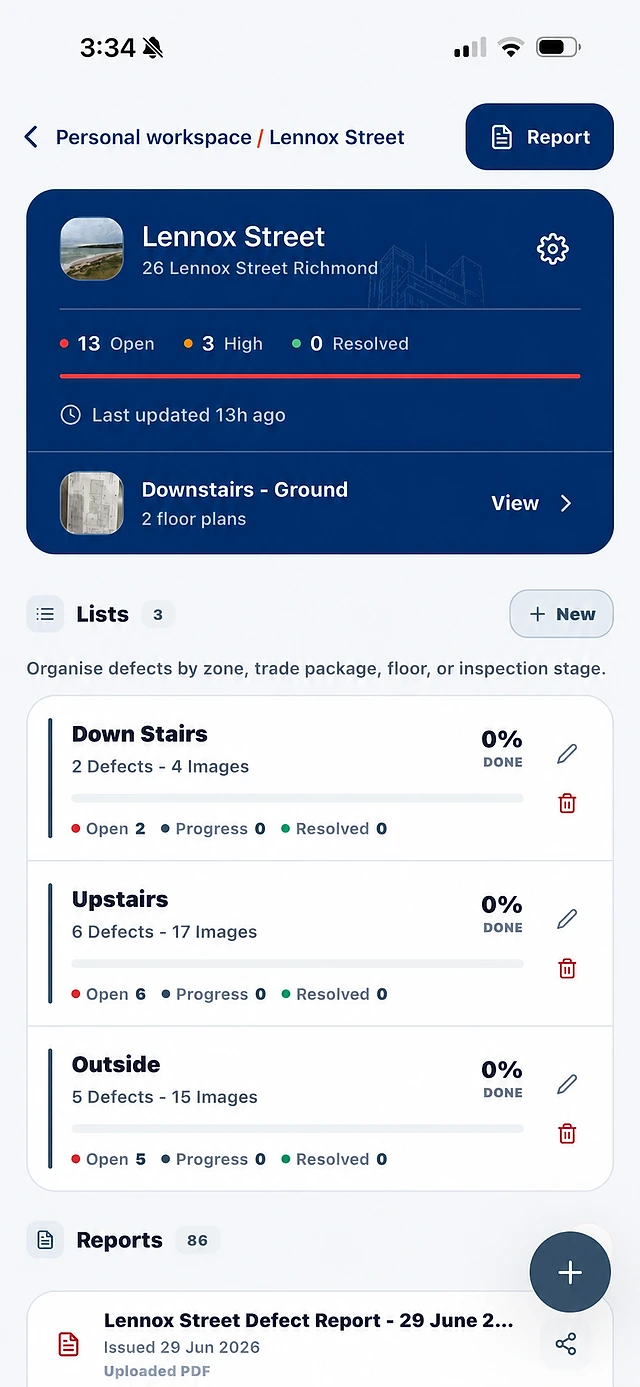
Record the defect with its photos and location. Assign responsibility, follow its status and keep the evidence in view when your team reviews the work.
Keep the issue description, location, priority and evidence in one record. The team can refer to the same information when assigning and following up.
Show the affected area with photos and location details.
Identify the responsible trade or contractor.
Keep notes and status connected to the original record.
02
Keep control with your project team.
Owners and authorised team members control the source record. Contractor evidence and updates support review; they do not give contractors permission to rewrite your original defect information.
Keep access tied to the relevant role and assigned work.
Review completion evidence before accepting the work.
Keep contractor completion claims separate from builder approval.
03
Report from the record you already have.
Choose the records you need for a trade follow-up, a client discussion or handover. The photos and details remain attached to each item.
Review selected items before generating the report.
Include location, trade, priority, status and notes.
Keep punch list items and defects in the same reporting workflow.
BEFORE YOU GET STARTED
Good to know.
Can I use this for unfinished work as well as defects?
Yes. Use project lists for work still to finish and issues that need fixing. The current app labels the records as defects; each record can describe unfinished work, with the same photos, location, trade, priority and status.
Can contractors reply through WhatsApp?
That workflow is forthcoming and is not included in the current trial. The planned experience supports photos, voice notes and progress updates without a SiteWarden account, with the builder retaining review and approval.
Who approves completed work?
The builder or authorised project team reviews the evidence and accepts the work or requests further work. A contractor reporting completion is not the same as approval.
SEE SITEWARDEN IN ACTION
Walk through it with us.
Bring your current workflow. See the app, ask questions and find the right fit for your team.